Keyboard
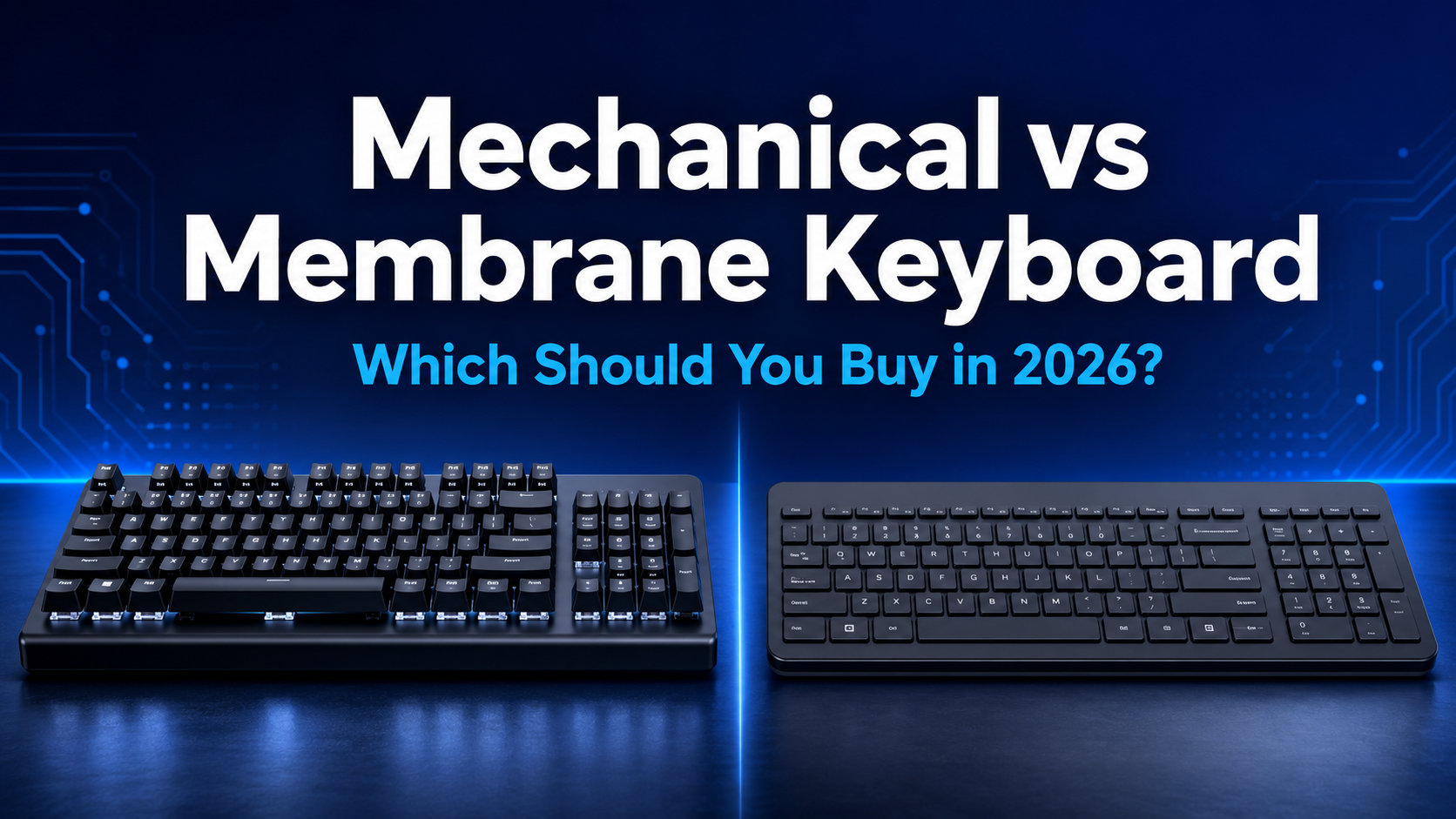
Mechanical vs Membrane Keyboard: Which Should you Buy in 2026?
Mechanical or Membrane—which Keyboard is right for you? Compare Typing Feel, Noise, Durability, Gaming Performance and price to find the Best Option for your needs.
Mechanical vs Membrane Keyboard: Which Should You Buy in 2026?
Choosing between a mechanical and a membrane keyboard can feel more complicated than it should. Both types let you write emails, work on spreadsheets, play games and browse the web, but they feel very different once you start using them every day.
A mechanical keyboard usually offers more precise feedback, better durability and greater customization. A membrane keyboard is generally quieter, lighter and more affordable. Neither is automatically better for everyone. The right choice depends on how you type, where you use your keyboard and how much you want to spend.
This mechanical vs membrane keyboard comparison explains the differences that matter in real use, helping you choose the right option for work, gaming, study or general home use.
If you also want help with layouts, connectivity, ergonomics and keyboard sizes, read our complete Best Keyboard Buying Guide 2026.
Quick Answer
Choose a mechanical keyboard if you want a more defined typing feel, long-term durability, faster or more consistent key feedback and the ability to customize switches or keycaps.
Choose a membrane keyboard if you want something affordable, quiet, lightweight and simple for everyday work, study or shared spaces.
For most gamers, programmers and frequent typists, a good mechanical keyboard is usually the better long-term choice. For casual users, offices with strict noise limits and buyers on a tight budget, a membrane keyboard may be more practical.
What Is a Mechanical Keyboard?
A mechanical keyboard uses an individual mechanical switch beneath each key. When you press a key, the switch moves through its travel and registers the input at a defined actuation point.
Because every key has its own switch mechanism, mechanical keyboards can provide clear and consistent feedback. The exact feel depends on the switch. Some switches move smoothly, some provide a noticeable bump and others produce both a bump and an audible click.
Mechanical keyboards are available in many layouts, including full-size, tenkeyless, 75%, 65% and compact 60% designs. Some models also allow you to replace switches without soldering, change keycaps, remap keys or create macros.
Advantages of a Mechanical Keyboard
- More distinct and consistent typing feedback
- Wide choice of switch types and sound profiles
- Strong durability for frequent use
- Better customization on compatible models
- Replaceable keycaps on most standard designs
- Hot-swappable switches on supported keyboards
- Many layout options for work, gaming and travel
Disadvantages of a Mechanical Keyboard
- Usually more expensive than a membrane keyboard
- Can be noisy, depending on the switches and construction
- Often heavier and less convenient to carry
- The number of switch options can confuse first-time buyers
- Budget models may have poor stabilizers or an unpleasant sound
What Is a Membrane Keyboard?
A membrane keyboard uses pressure pads and flexible membrane layers beneath the keys. Pressing a key pushes the layers together, completing the circuit and registering the input. Many affordable desktop keyboards and laptop-style external keyboards use this design.
The keys often feel softer or more cushioned than mechanical keys. Some users like this quieter, gentler feel, while others find it less precise. The experience can also vary significantly between a well-designed membrane keyboard and a very cheap one.
Advantages of a Membrane Keyboard
- Affordable and widely available
- Usually quieter than a typical mechanical keyboard
- Often lighter and easier to carry
- Simple to use without choosing a switch type
- Suitable for basic home, school and office tasks
- Many slim models offer a familiar laptop-like feel
Disadvantages of a Membrane Keyboard
- Typing feedback may feel soft or less defined
- Fewer customization and repair options
- Individual switches are generally not replaceable
- The typing feel may become inconsistent as the membrane wears
- Budget models can struggle with multiple simultaneous key presses
Mechanical vs Membrane Keyboard: Key Differences
| Feature | Mechanical Keyboard | Membrane Keyboard |
|---|---|---|
| Key mechanism | Individual switch under each key | Flexible membrane layers and pressure pads |
| Typing feel | Defined, consistent and switch-dependent | Soft, cushioned and usually less distinct |
| Noise | Ranges from quiet to very loud | Usually quiet |
| Durability | Generally better for heavy, long-term use | Adequate for normal everyday use |
| Customization | Extensive on compatible models | Usually limited |
| Repairability | Individual parts may be replaceable | Usually replaced as a complete keyboard |
| Weight | Often heavier | Usually lighter |
| Price | Budget to premium, usually more expensive | Usually more affordable |
| Best suited to | Frequent typing, gaming and customization | General use, quiet spaces and tight budgets |
Typing Feel and Feedback
Typing feel is the biggest practical difference. Mechanical switches can tell your fingers more clearly when a key has registered. A tactile switch provides a bump, a clicky switch adds sound and a linear switch moves smoothly without a bump.
Membrane keyboards normally require you to press through a soft resistance until the key reaches the contact point. This can feel comfortable and familiar, especially if you are used to laptop keyboards, but it may offer less feedback during fast typing.
Noise Level
Membrane keyboards are commonly the quieter choice. Their flexible layers and softer key action help reduce sharp switch noise, making them suitable for meetings, libraries, bedrooms and shared offices.
Mechanical keyboards are not always loud. Clicky switches are intentionally noisy, but silent linear or quiet tactile switches can reduce the sound considerably. The keyboard case, keycaps, stabilizers and how firmly you press the keys also affect the final noise level.
Durability and Lifespan
Mechanical switches are often designed for heavy use and can remain consistent over many years. For example, current CHERRY MX switch technology includes models rated for tens of millions of keypresses, with some reaching up to 100 million.
A membrane keyboard can still last for years under normal use, but the flexible layers and rubber domes may gradually lose their original feel. When one part fails, repair is usually less practical than replacing the keyboard.
Customization and Repair
Mechanical keyboards clearly lead in customization. Depending on the model, you may be able to replace the keycaps, change switches, adjust the sound, remap keys and install alternative layouts. A hot-swappable keyboard allows compatible switches to be removed and replaced without soldering.
Membrane keyboards offer fewer options because the key mechanism is part of a connected internal sheet. You may be able to change a keycap on some models, but you generally cannot replace an individual membrane switch in the same way.
Price and Long-Term Value
Membrane keyboards dominate the entry-level market. They are a sensible choice if you need a complete keyboard for basic tasks without spending much.
Mechanical keyboards cost more because of their individual switches, construction and extra features. However, a well-built model can provide better long-term value for someone who types or plays for several hours each day. A replaceable switch or keycap may also extend the keyboard’s useful life.
Which Is Better for Typing?
A mechanical keyboard is usually better for frequent typing because the feedback can make each keypress feel more deliberate and consistent. Writers, programmers, analysts and anyone who works with text for long periods may appreciate tactile switches because the bump confirms the actuation without requiring an audible click.
That does not mean a membrane keyboard is bad for typing. A good low-profile membrane keyboard can feel comfortable, especially for users who prefer short key travel and a soft landing. It may also be the better choice if typing noise would disturb colleagues or family members.
Comfort depends on more than the switch mechanism. Key spacing, keyboard height, wrist position, layout and your typing technique all matter. A poorly designed mechanical keyboard can be less comfortable than a well-designed membrane model.
Which Is Better for Gaming?
Mechanical keyboards are generally preferred for gaming because they offer more consistent actuation, a wider selection of switch types and better support for features such as key remapping, macros, high polling rates and full-key rollover.
Linear switches are popular with players who want smooth, rapid keypresses. Tactile switches suit gamers who prefer a small bump to confirm each input. Clicky switches can feel satisfying but may be distracting during voice chat or late-night gaming.
A membrane keyboard is still perfectly usable for casual gaming. If you play occasionally and do not need advanced customization or multiple simultaneous inputs, an affordable membrane model may meet your needs. The difference becomes more noticeable in fast competitive games or when several keys must register at once.
Do not buy a mechanical keyboard only because it is labelled “gaming.” Check the switch type, latency, rollover support, layout and software before deciding.
Which Is Better for Office Work?
The best office keyboard depends heavily on noise and the type of work you do.
A membrane keyboard is practical for open offices because it is affordable and usually quiet. It is also easy for a company to replace and familiar to most employees.
A mechanical keyboard may be better for someone who writes, codes or works with data throughout the day, but the switch choice matters. Quiet tactile or silent linear switches are more considerate than clicky switches in a shared workspace. A full-size layout can be useful for regular spreadsheet and numerical work, while a tenkeyless design saves desk space.
Before taking a loud mechanical keyboard to the office, consider the people sitting near you. A switch that sounds satisfying at home can quickly become distracting in a quiet workplace.
Which Is Better for Students?
A membrane keyboard is often the easiest choice for students because it is affordable, quiet and light enough to move between a desk, hostel room or shared study space. It handles assignments, research and online classes without requiring a large investment.
A mechanical keyboard makes sense for a student who also games, codes or writes for long periods. A compact model can save desk space, but very small layouts may remove dedicated function keys, navigation keys or the number pad. Make sure the layout supports your coursework before choosing it for appearance alone.
For shared rooms, avoid loud clicky switches unless everyone is comfortable with the sound.
Mechanical Switch Types Explained
Mechanical keyboards are commonly available with linear, tactile or clicky switches. As explained in Logitech’s mechanical and membrane keyboard guide, the three types differ mainly in how they feel and sound during actuation.
Linear Switches
Linear switches move smoothly from the top of the keypress to the bottom without a tactile bump or click. They are popular for gaming and suit users who prefer a light, uninterrupted motion. However, light linear switches can cause accidental keypresses until you adjust to them.
Tactile Switches
Tactile switches provide a noticeable bump when the key actuates. They offer physical feedback without the deliberate click of a clicky switch. This makes them a balanced choice for typing, coding, office work and gaming.
Clicky Switches
Clicky switches combine a tactile bump with an audible click. They can feel precise and satisfying, especially for typing, but they are usually the least suitable option for shared offices, libraries, meetings or late-night use.
Silent Mechanical Switches
Silent switches use internal dampening to reduce the sound produced when the key moves down and returns. They still feel different from a membrane keyboard, but they can make a mechanical setup more suitable for work and shared rooms.
If possible, test a switch sampler or try a keyboard in person. Switch descriptions are helpful, but sound and feel are personal.
What About Mecha-Membrane and Hybrid Keyboards?
Hybrid keyboards try to combine the cushioned feel of a membrane design with stronger tactile or audible feedback. Some use a membrane layer with a click mechanism, while others use different hybrid constructions.
These keyboards can be a useful middle ground if you want a more noticeable response without paying for a fully mechanical model. However, they usually do not provide the same switch variety, repairability or customization as a standard mechanical keyboard.
Do not assume that every “mechanical-feel” keyboard contains mechanical switches. Check the product specifications before buying.
How to Choose the Right Keyboard
Choose a Mechanical Keyboard If:
- You type, code or game for several hours each day.
- You want clearer feedback from every keypress.
- You care about durability and long-term use.
- You want to change keycaps or switches.
- You need advanced gaming or remapping features.
- You are willing to pay more for the typing experience.
Choose a Membrane Keyboard If:
- You need an affordable keyboard for everyday tasks.
- You work or study in a quiet shared space.
- You prefer a soft or laptop-like key feel.
- You want a lightweight keyboard that is easy to carry.
- You do not need switch or keycap customization.
- You use a keyboard casually rather than for many hours each day.
Questions to Ask Before Buying
- Will I use the keyboard mainly for work, gaming, study or general use?
- Do I prefer a soft keypress or clear tactile feedback?
- Will the keyboard’s noise disturb anyone?
- Do I need a number pad, function row or navigation keys?
- Do I want wired, Bluetooth or 2.4 GHz wireless connectivity?
- Will I carry the keyboard regularly?
- Do I want to replace switches or keycaps later?
- What is my realistic budget?
Common Buying Mistakes to Avoid
Choosing a Switch Based Only on Colour
Switch colours are not fully standardized across every manufacturer. A red switch is often linear and a brown switch is often tactile, but you should still check the actual force, travel, sound and switch description.
Assuming Every Mechanical Keyboard Is Better
A cheap mechanical keyboard may have poor stabilizers, inconsistent switches, thin keycaps or unreliable software. Build quality matters just as much as the switch mechanism.
Ignoring Noise
A loud keyboard can cause problems in shared rooms and offices. Watch sound tests with headphones, but remember that the keyboard may sound different on your desk.
Buying the Wrong Layout
A compact keyboard saves space but may hide or remove keys you use every day. Spreadsheet users may miss the number pad, while writers may prefer dedicated arrow and navigation keys.
Paying for Features You Will Not Use
RGB lighting, screens, knobs and advanced software can increase the price. Prioritize typing comfort, layout, connection quality and reliability before decorative features.
Final Verdict
In the mechanical vs membrane keyboard debate, the best option is the one that matches your daily routine.
A mechanical keyboard is the stronger choice for frequent typists, programmers, serious gamers and anyone who values feedback, durability and customization. It costs more, but the typing experience and repair options can justify the investment.
A membrane keyboard remains a smart choice for basic office work, study, shared spaces and tight budgets. It is quiet, simple and often more portable.
If you are unsure, start with your environment. For a quiet shared office, choose a good membrane keyboard or a mechanical model with silent switches. For gaming or long typing sessions at home, consider a mechanical keyboard with tactile or linear switches.
For more help choosing the right layout, connection type and features, visit our complete keyboard buying guide.
Frequently Asked Questions
Is a Mechanical Keyboard Better Than a Membrane Keyboard?
A mechanical keyboard is usually better for frequent typing, gaming, durability and customization. A membrane keyboard may be better when affordability, low noise and portability are more important.
Is a Mechanical Keyboard Too Loud for Office Use?
Not necessarily. Clicky switches can be loud, but silent linear and quiet tactile switches are more suitable for offices. The keyboard’s case, keycaps and your typing style also affect the sound.
Are Membrane Keyboards Good for Gaming?
Membrane keyboards are suitable for casual gaming. Competitive players may prefer mechanical keyboards for their consistent feedback, rollover support and customization, but the quality and latency of the complete keyboard matter more than the label alone.
Which Keyboard Is Better for Typing?
Many frequent typists prefer mechanical keyboards with tactile switches because they provide clear feedback. Users who like short travel, a softer feel and quiet operation may prefer a good membrane or scissor-switch keyboard.
Do Mechanical Keyboards Last Longer?
Mechanical switches are generally designed for heavy use and are often rated for tens of millions of keypresses. Their individual parts may also be easier to replace, although overall lifespan still depends on build quality and care.
Can I Make a Mechanical Keyboard Quieter?
Yes. You can choose silent switches, use a desk mat, avoid bottoming out the keys and select a keyboard with internal sound dampening. Changing keycaps or adding compatible dampening materials can also alter the sound.
Are Mechanical Keyboards Worth the Extra Money?
They can be worth it if you type or game regularly and value feedback, durability or customization. A membrane keyboard offers better value for occasional use or a limited budget.
Which Mechanical Switch Is Best for Beginners?
A medium-weight tactile switch is a balanced starting point because it provides noticeable feedback without the sharp sound of a clicky switch. However, users who prefer a smooth keypress may enjoy a linear switch more.